
How it works
One return, end to end — screen by screen.
No new habits. Start from the spreadsheet you already keep and finish with a BIR-ready return, the figures already filled in. Here's the whole path.
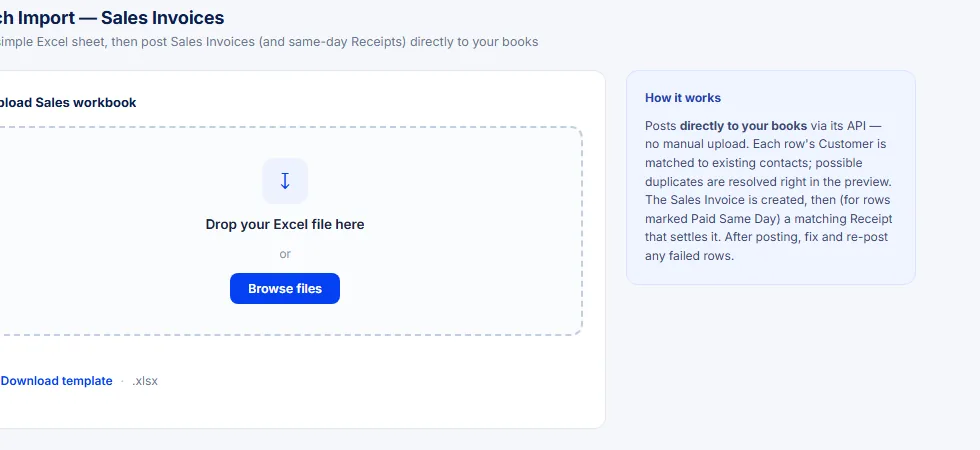
Step 1 · Upload
Start with the sheet you already keep.
Drop in your sales, purchases, receivables, payables or payroll — the same Excel workbook you already maintain. No new format to learn, no template to fight.
- Sales, purchase, receivable, payable & payroll workbooks
- Download a ready-made template if you'd rather start fresh
Step 2 · Book
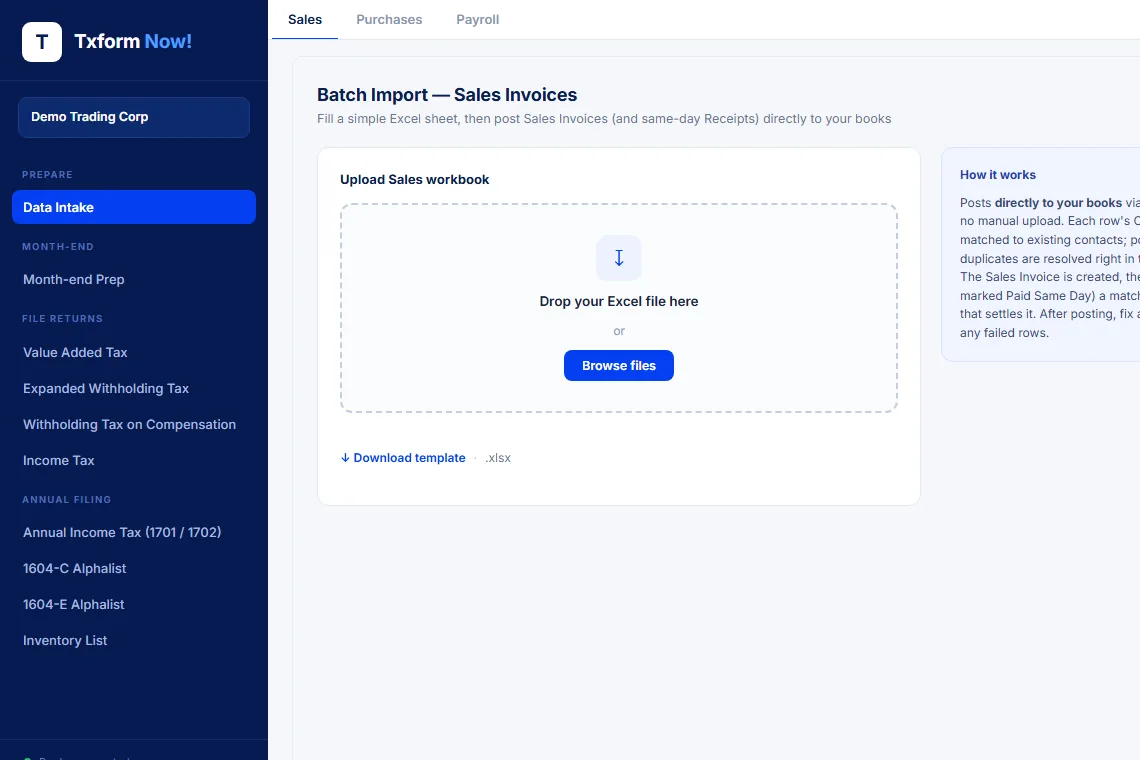
It lands in your books — automatically.
Each row is matched to the right contact and posted straight into your accounting system: invoices created, same-day receipts settled, no double-entry. Every tax type you'll file lives in one sidebar.
- Contacts matched, duplicates resolved in the preview
- VAT, EWT, withholding, income tax and the annual alphalists, all in one place
Step 3 · File
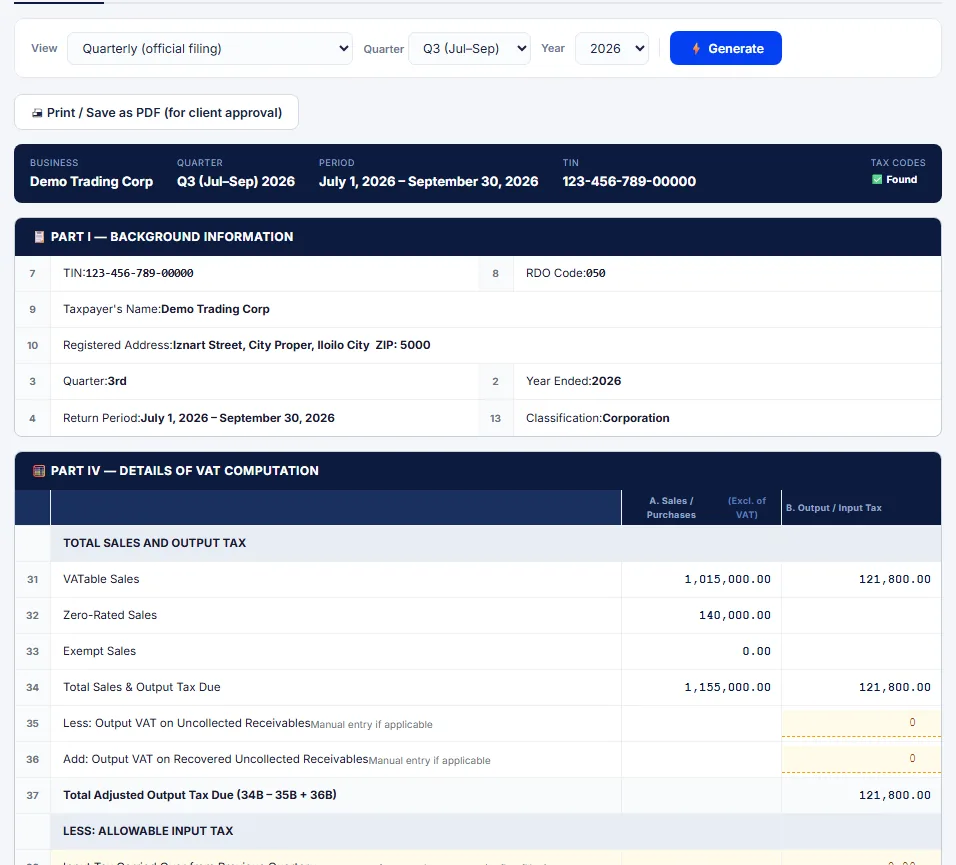
Generate the BIR-ready return.
Pick the period and the return builds itself from your books — VATable sales, output tax, input tax, all filled in. The File → Pay → Record wizard walks you the rest of the way, right down to the DAT file for eBIRForms / eFPS.
- 2550Q, 1601-C/EQ, 0619-E, income tax — figures computed for you
- Print for client approval, then freeze the filed figures
Same path, every return
Not just VAT.
The same upload → book → file flow produces SLS, SLP, SAWT, QAP, the alphalists, and BIR forms 2307 & 2316 — across every client you run.